

In the fast-paced world of cloud computing in e-commerce, uninterrupted uptime isn’t a luxury—it’s a lifeline. Every minute of downtime can translate to lost sales, dissatisfied customers, and weakened brand credibility. For online businesses that rely heavily on technology infrastructure, proactive device monitoring is the silent guardian that keeps everything running smoothly behind the scenes.
This article explores how proactive device monitoring and advanced cloud computing in e-commerce ecosystems work together to minimize downtime losses, ensure business continuity, and strengthen operational efficiency.
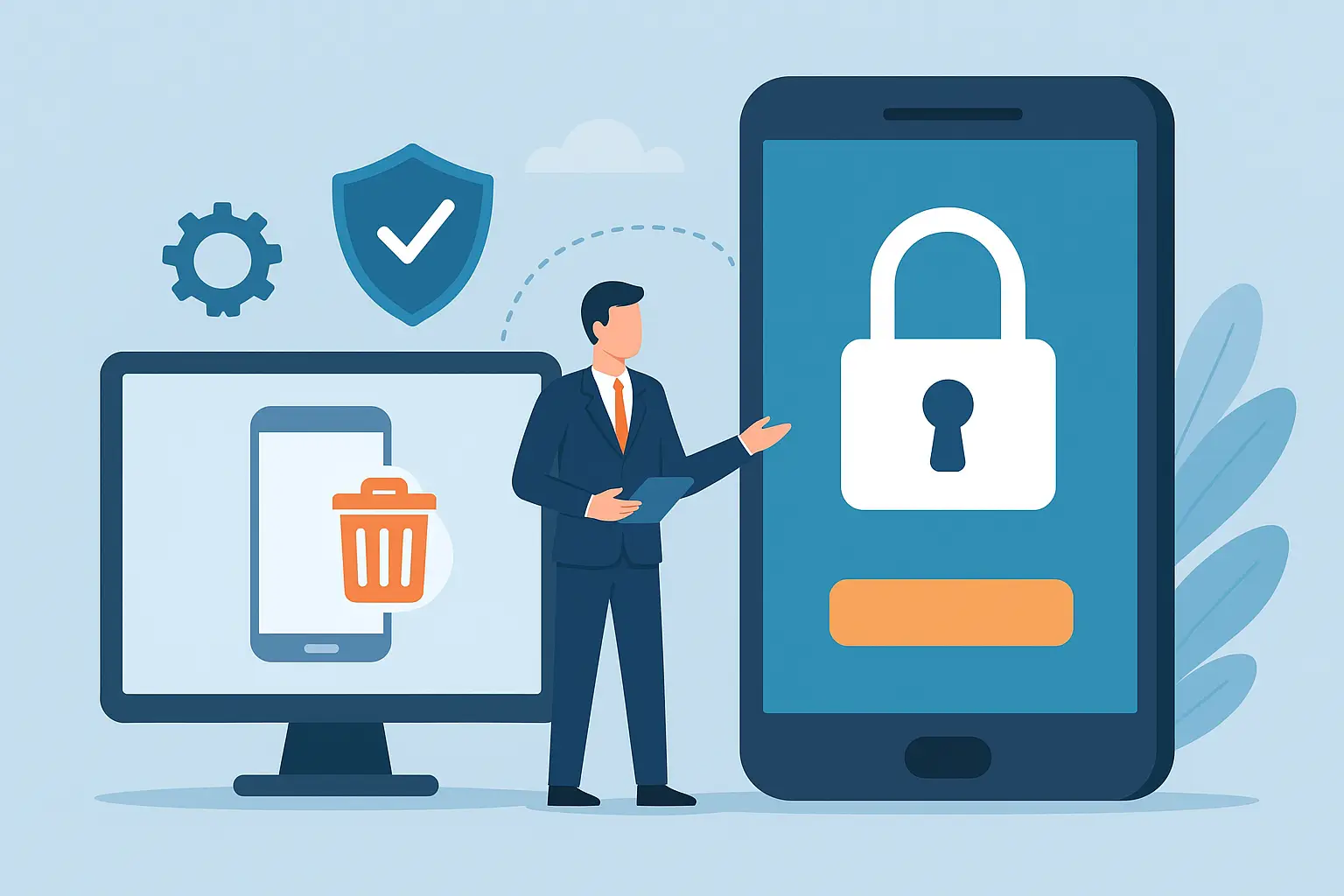
Remote Wipe & Recovery: Security in a Mobile-First World
Remote wipe. Device recovery. Mobile security. These are no longer just IT terms—they are the core safety net for organizations operating in a hyper-connected, mobile-first environment. With workforces distributed across geographies, sensitive data accessed from smartphones, and business applications running on personal devices, security risks rise exponentially. Remote wipe capabilities and secure device recovery mechanisms have become essential to protect information beyond office firewalls.
A mobile-first world demands zero-trust security for mobile, where threats are assumed, access is monitored continuously, and data remains protected even if a device is lost, stolen, or compromised. This blog explores how organizations can leverage remote wipe and device recovery technologies to secure company data while enabling productivity from anywhere.
Understanding Remote Wipe & Device Recovery in Modern Mobile Security
Remote wipe refers to the ability to erase data from a smartphone, tablet, or laptop from a central admin dashboard without physically accessing the device. If an employee misplaces a phone containing emails, credentials, and corporate documents, data can be wiped instantly, protecting business-critical information from misuse.
Device recovery, on the other hand, focuses on retrieving access, restoring essential configurations, and re-onboarding the device back into corporate workflows. It ensures business continuity—without risk, data loss, or downtime.
Together, remote wipe and device recovery form the backbone of enterprise-grade mobile security.
"In a mobile-first world, every unsecured device becomes a doorway to potential breaches. Remote wipe and device recovery are no longer optional—they are essential layers of mobile security."
Why Remote Wipe Matters in Enterprise Mobile Security
Every unprotected mobile device becomes a potential breach point. Threats include:
- Loss or theft of corporate devices
- Unauthorized access to business apps and emails
- Credential harvesting via phishing or malware
- Data extraction through unsecured networks
- Ransomware attacks requiring device isolation
A remote wipe solution minimizes impact by allowing security teams to take immediate action—even before attackers exploit access.
Zero-Trust Security for Mobile: The New Standard
Zero-trust security for mobile operates on a simple principle: trust nothing, verify everything. Instead of assuming authenticated users are safe, device behaviour, location, and access patterns are continuously evaluated.
A zero-trust mobile model includes:
- Multi-factor authentication (MFA)
- Access control per device and application
- Continuous session monitoring
- Remote wipe and auto-lock triggers
- Secure device recovery workflows
Integrating remote wipe with zero-trust architecture ensures businesses remain secure even in high-risk scenarios or on unmanaged devices.
Key Benefits of Remote Wipe & Device Recovery for Businesses
1. Prevents Data Leaks from Lost or Stolen DevicesConfidential files, customer information, and credentials are erased instantly before they fall into the wrong hands.
2. Maintains Compliance with Security StandardsIndustries like fintech, healthcare, SaaS, and BFSI require strict control over device-level data.
3. Enhances BYOD (Bring Your Own Device) Policy SafetyEmployees can work from personal devices without risking enterprise security.
4. Supports Zero-Trust Security ModelsRemote wipe complements authentication, policy enforcement, and privilege management.
5. Reduces Incident Response Cost and TimeInstead of factory-resetting devices manually, data control happens centrally with minimal downtime.
6. Business Continuity Through Fast Device RecoveryRecovered devices retain access controls and policy enforcement without requiring full re-configuration.
How Remote Wipe & Device Recovery Work (Step-by-Step)
1. Enrollment into Mobile Device Management (MDM)Devices are registered into the organization’s MDM or security management console. This allows real-time monitoring of apps, usage, and policies.
2. Continuous Monitoring & Threat DetectionSecurity teams track device status, location, login behaviour, and access logs. Suspicious activity triggers alerts.
3. Automated or Manual Remote Wipe ExecutionIf a device is compromised, admins can:
- Select full data wipe (complete erase)
- Trigger selective wipe (only corporate profiles/data)
- Auto-wipe after failed login attempts
Once located or replaced, the device can be:
- Re-enrolled into the network
- Synced with backup data
- Restored with business applications & permissions
Policies evolve. Behaviour-based controls prevent repeat incidents and support continuous security maturity.
Remote Wipe Best Practices for Enterprises| Practice | Purpose |
|---|---|
| Implement zero-trust policies | Prevent risky access before breaches occur |
| Enable selective + full wipe options | Flexibility for corporate vs personal devices |
| Automate wipe triggers | Instant response for theft, jailbreak, or unregistered access |
| Maintain encrypted backup archives | Ensures smooth device recovery |
| Audit access logs regularly | Detect anomalies before they escalate |
Real-World Scenarios Where Remote Wipe Protects Businesses
| Scenario | Risk | Outcome Using Remote Wipe |
|---|---|---|
| Employee loses device during travel | Data breach | Security wipes device instantly |
| Device suspected of malware infection | Network compromise | Admin isolates & resets device |
| Contract worker leaves company abruptly | Unauthorized data use | Corporate data wiped remotely |
| Attempted brute-force unlocking | Credential theft | Auto-wipe after failed attempts |
This is why mobile security and remote wipe must form part of every enterprise cybersecurity roadmap.
FAQ: Remote Wipe & Mobile Security
1. Does remote wipe delete everything from a device?It depends on configuration—admins can choose full wipe or selective wipe (only corporate data).
2. Can data be restored after remote wipe?Yes, with secure backups and device recovery workflows, data can be restored to a new or existing device.
3. Is remote wipe only for stolen devices?No. It is also used in cases of non-compliance, malware risk, employee exit, or policy violation.
4. Is zero-trust security required for remote wipe to work?Not mandatory, but zero-trust security for mobile significantly enhances protection and risk mitigation.
Ready to Secure Your Mobile Workforce?
Remote wipe and device recovery are no longer optional—they are fundamental to business continuity, customer trust, and regulatory compliance. In a mobile-first world, security cannot depend on physical access or ideal conditions. It requires automation, intelligence, and zero-trust security for mobile at scale.
Contact Transparent Solutions today to implement enterprise-grade remote wipe, recovery, and mobile security automation that protects your business wherever work happens.
📩 Secure your mobile infrastructure with us — Let’s get started.
Leave a Comment